Library
Keep reusable files and media organized and connected to their subject.
The Library stores reusable source files and media. A file being available to open and its text being ready for search are separate states. Supported indexing prepares readable passages in the background.
Workspace access. Pages and actions depend on your role and the modules enabled for your workspace. This guide describes CW release/1.0.1; your administrator can confirm the options available to your team.
Get started
Open Library, add the supported file and check its name and contents. Attach the right file to the asset, location or knowledge step that uses it. Replace obsolete material clearly and check readiness when testing TAI retrieval.
Watch the walkthrough
Follow the actions in Connected Workers, then use the chapter sections in the progress bar to revisit a step. English subtitles are on by default; choose Hebrew in the captions settings.
The user flow
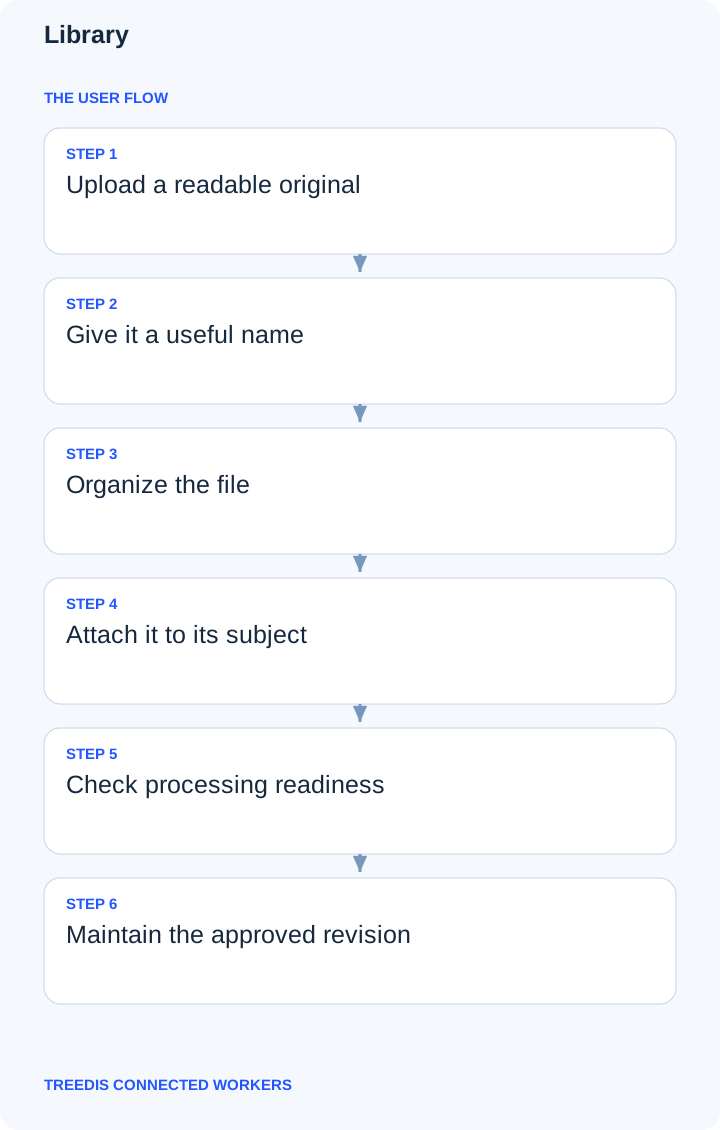
- Upload a readable original.
- Give it a useful name.
- Organize the file.
- Attach it to its subject.
- Check processing readiness.
- Maintain the approved revision.
How the information moves
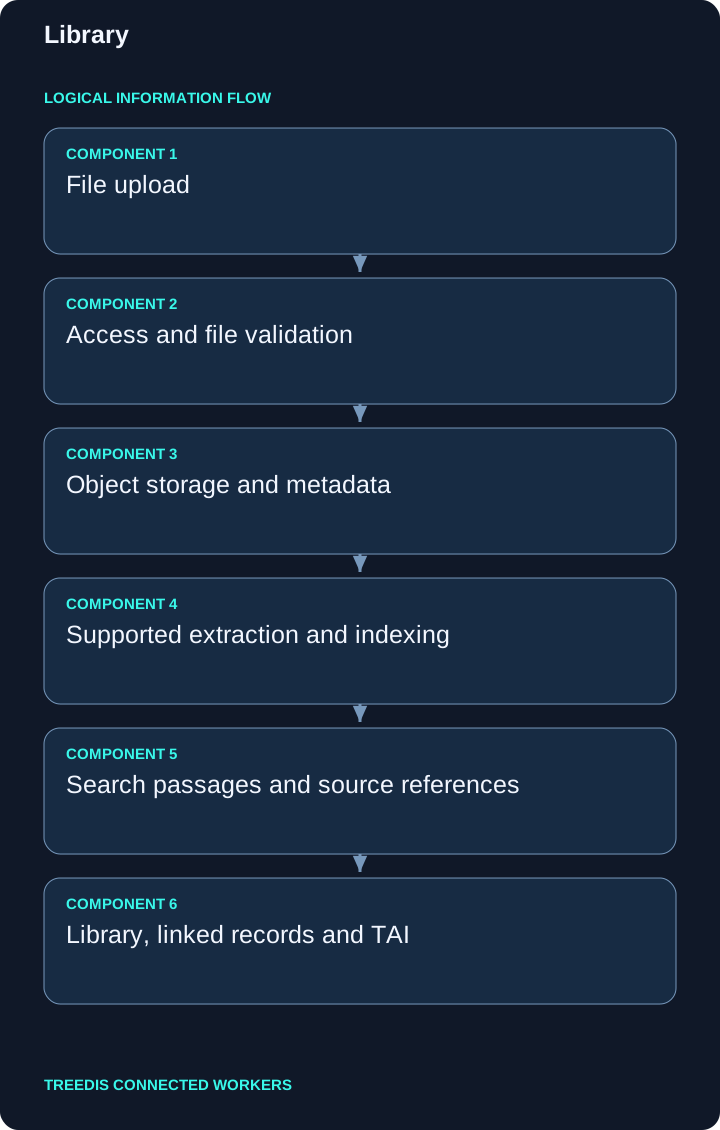
| Stage | Responsibility |
|---|---|
| 1 | File upload |
| 2 | Access and file validation |
| 3 | Object storage and metadata |
| 4 | Supported extraction and indexing |
| 5 | Search passages and source references |
| 6 | Library, linked records and TAI |
The diagram describes the logical path through the application. Saved records retain their workspace and relationships. Supported background processing and external synchronization can complete after the initial save.
Tips for better data and TAI context
- Prefer readable originals over screenshots of documents.
- Include equipment or task context in the title.
- Retire obsolete duplicates and keep source ownership clear.
Consistent equipment codes, precise location links and readable approved files help TAI retrieve the intended context. A saved record does not mean every attached file has finished indexing. See background indexing for the preparation process.
Check the result
Open the saved record or configuration again. Check its location, equipment links, status and visibility for the intended role. If information is missing, check scope and permissions before adding a duplicate.
Related guides
Connected Workers overview · TAI · Knowledge and search
For help with availability or setup, contact your workspace administrator or support@treedis.com.