Lists
Maintain reusable structured information for your workspace.
Use Lists for structured information that benefits from repeatable fields and consistent values. Keep the purpose distinct from physical equipment so users know which table to maintain.
Workspace access. Pages and actions depend on your role and the modules enabled for your workspace. This guide describes CW release/1.0.1; your administrator can confirm the options available to your team.
Get started
Open Data → Lists and select the intended table. Review field types before adding or importing data. Use stable keys for records that other information references.
Watch the walkthrough
Follow the actions in Connected Workers, then use the chapter sections in the progress bar to revisit a step. English subtitles are on by default; choose Hebrew in the captions settings.
The user flow
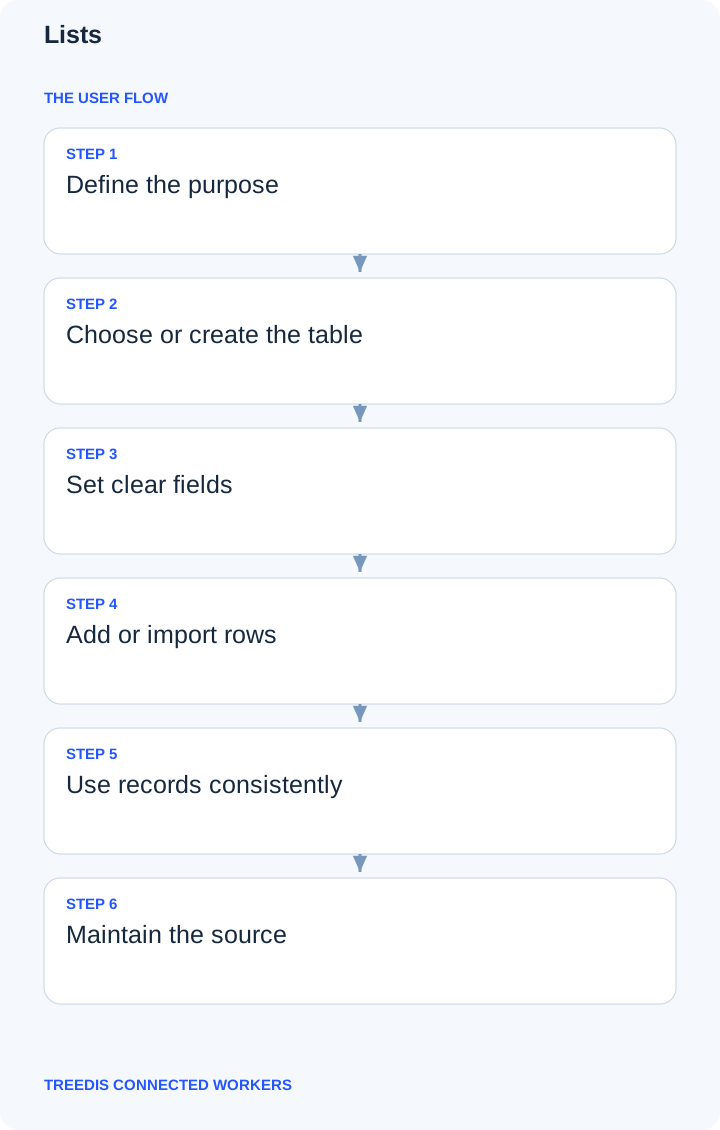
- Define the purpose.
- Choose or create the table.
- Set clear fields.
- Add or import rows.
- Use records consistently.
- Maintain the source.
How the information moves
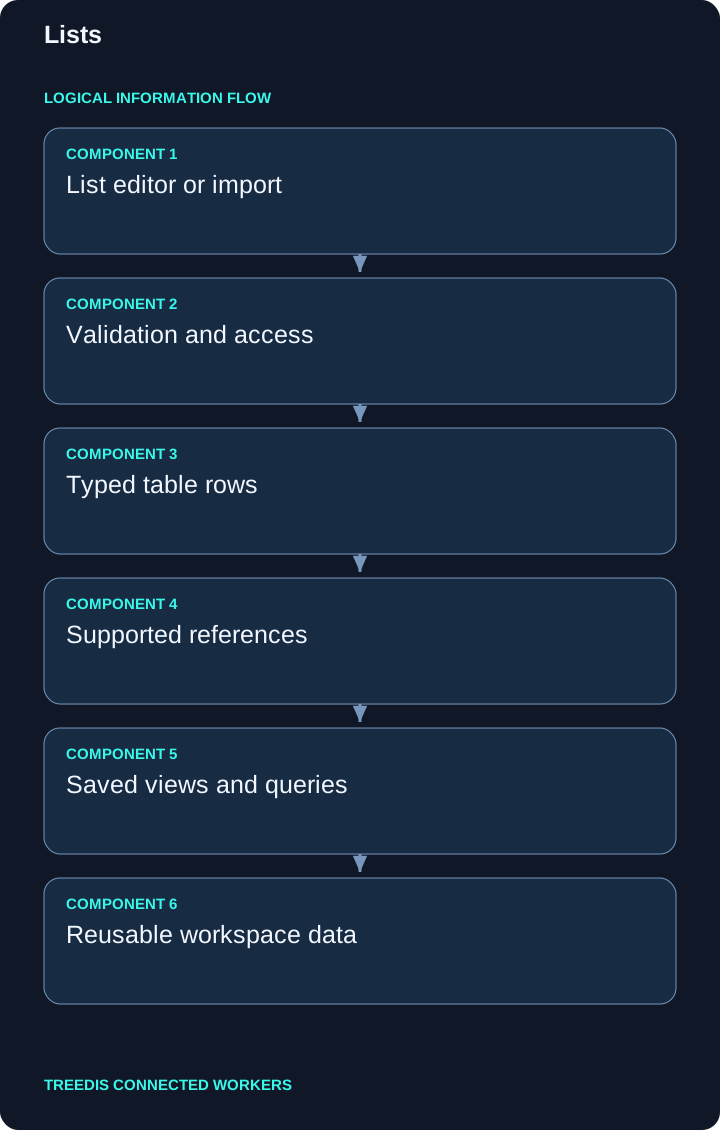
| Stage | Responsibility |
|---|---|
| 1 | List editor or import |
| 2 | Validation and access |
| 3 | Typed table rows |
| 4 | Supported references |
| 5 | Saved views and queries |
| 6 | Reusable workspace data |
The diagram describes the logical path through the application. Saved records retain their workspace and relationships. Supported background processing and external synchronization can complete after the initial save.
Tips for better data and TAI context
- Name the table for its business purpose.
- Use consistent values rather than spelling variants.
- Keep ownership and update responsibilities clear.
Consistent equipment codes, precise location links and readable approved files help TAI retrieve the intended context. A saved record does not mean every attached file has finished indexing. See background indexing for the preparation process.
Check the result
Open the saved record or configuration again. Check its location, equipment links, status and visibility for the intended role. If information is missing, check scope and permissions before adding a duplicate.
Related guides
Connected Workers overview · TAI · Knowledge and search
For help with availability or setup, contact your workspace administrator or support@treedis.com.